
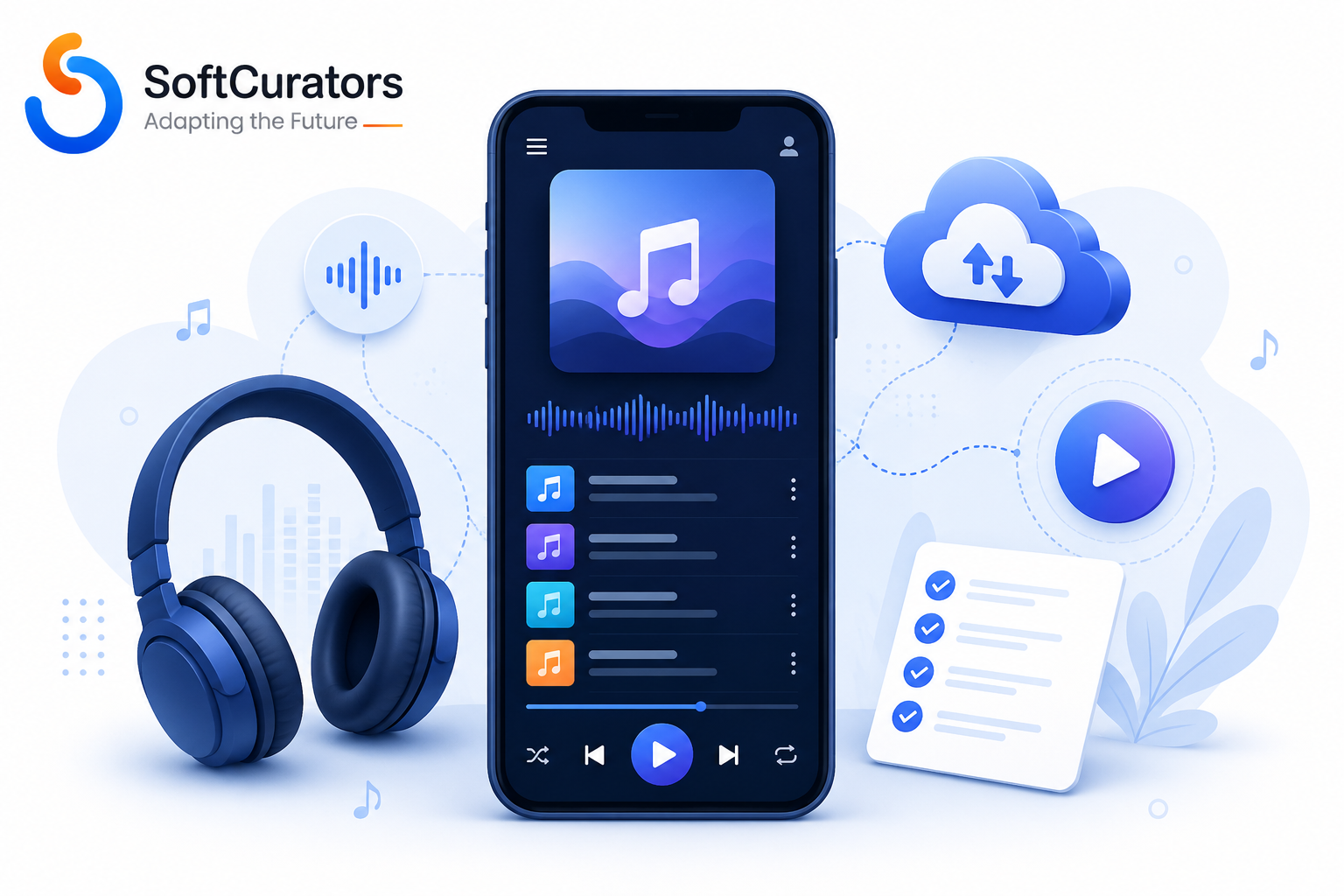
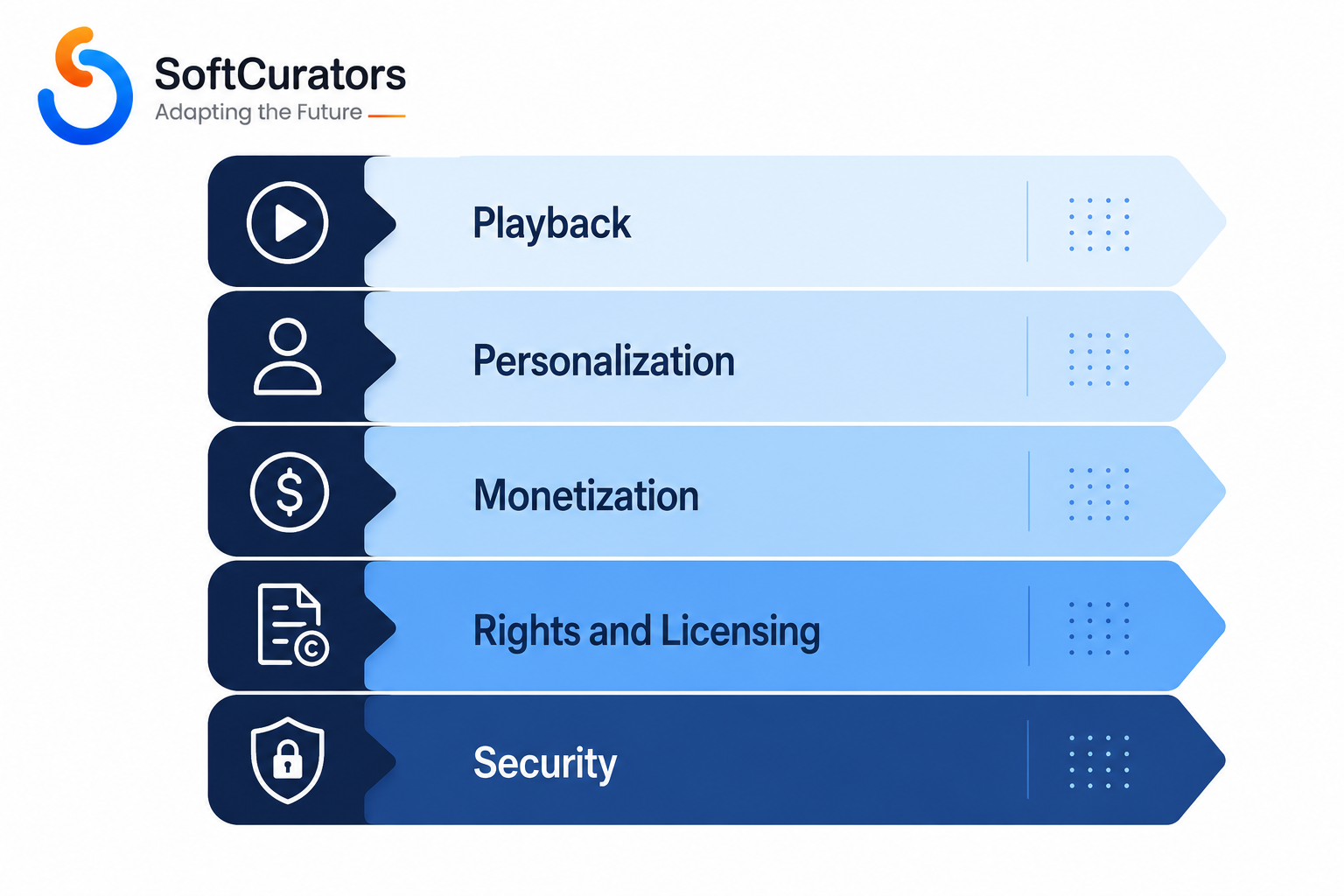
A music streaming app needs five layers to compete: a fast playback engine (streaming protocols, offline downloads, cross-device sync), a personalization layer (search, recommendations, playlists), a monetization layer (freemium ads, subscription tiers, payments), a content and rights layer (licensing, DRM, royalty tracking), and a compliance and security layer (encryption, GDPR/CCPA handling, PCI DSS for payments). Skipping any one of these doesn’t just weaken the product it usually blocks a licensing deal, an app store approval, or a payment processor agreement outright.
Why a Feature Checklist Isn’t Optional for a Music Streaming App
Most founders who come to a music streaming app development project already know the obvious features: a play button, a search bar, a library. What catches teams off guard six months in is everything sitting underneath those buttons — licensing terms that dictate how offline downloads must expire, royalty reporting obligations that shape your database schema, and encryption requirements that music labels write into contracts before a single line of code exists.
This guide works through a full music streaming app features checklist, organized the way an engineering team would actually build it: playback and library first, personalization and social features second, monetization third, then the backend, rights management, security, and compliance work that rarely shows up in a pitch deck but determines whether the app can legally launch. Along the way we’ll flag which features are genuinely optional for an early-stage product and which ones are non-negotiable the moment you sign a distribution agreement with a label or aggregator.
By the end, you should be able to separate a defensible MVP feature set from a wish list, understand the cost and timeline implications of each major decision, and know which questions to ask a development partner before signing a statement of work. For broader context on how these projects are typically scoped and priced, see our guide on mobile app development cost and pricing.
What Counts as a ‘Music Streaming App,’ and Who Actually Needs This Checklist
A music streaming app is a mobile or web product that delivers licensed or user-generated audio to a listener on demand, over a network, without requiring the listener to own a local copy of the file. That last part without requiring ownership is what separates streaming from a downloads store like early iTunes, and it’s also what triggers a completely different set of licensing, rights-management, and infrastructure obligations.
This checklist is written for three overlapping groups, each of whom will weight the sections differently:
- Independent or niche streaming platforms (genre-specific, regional, faith-based, or community-driven) that need the full feature set but at a smaller catalog scale.
- Enterprise and label-adjacent platforms building internal tools, artist portals, or white-label streaming products where royalty accuracy and rights compliance dominate the requirements.
- Startups building a Spotify-style consumer app from scratch, where personalization, discovery, and monetization decide whether the product survives its first eighteen months.
If you’re building a platform where users upload their own audio (podcasts, indie artist demos, voice content) rather than licensing catalog music, several sections below particularly rights management and royalty reporting apply differently. We’ll flag those distinctions as they come up.
Consultant’s Tip
Before scoping any feature, get clarity on your content sourcing model: are you licensing a major-label catalog, working through an aggregator (like a distribution partner that bundles rights from multiple smaller labels), or hosting independently uploaded content? This single decision changes your legal timeline, your minimum viable budget, and your entire rights-management architecture more than any UI decision will.
Core Playback and Library Features (The Non-Negotiable Layer)
These are the features a listener notices in the first thirty seconds of using the app. They’re also the hardest to get feeling right, because ‘feels fast and doesn’t stutter’ is an infrastructure problem disguised as a UI problem.
Adaptive Streaming and Playback Engine
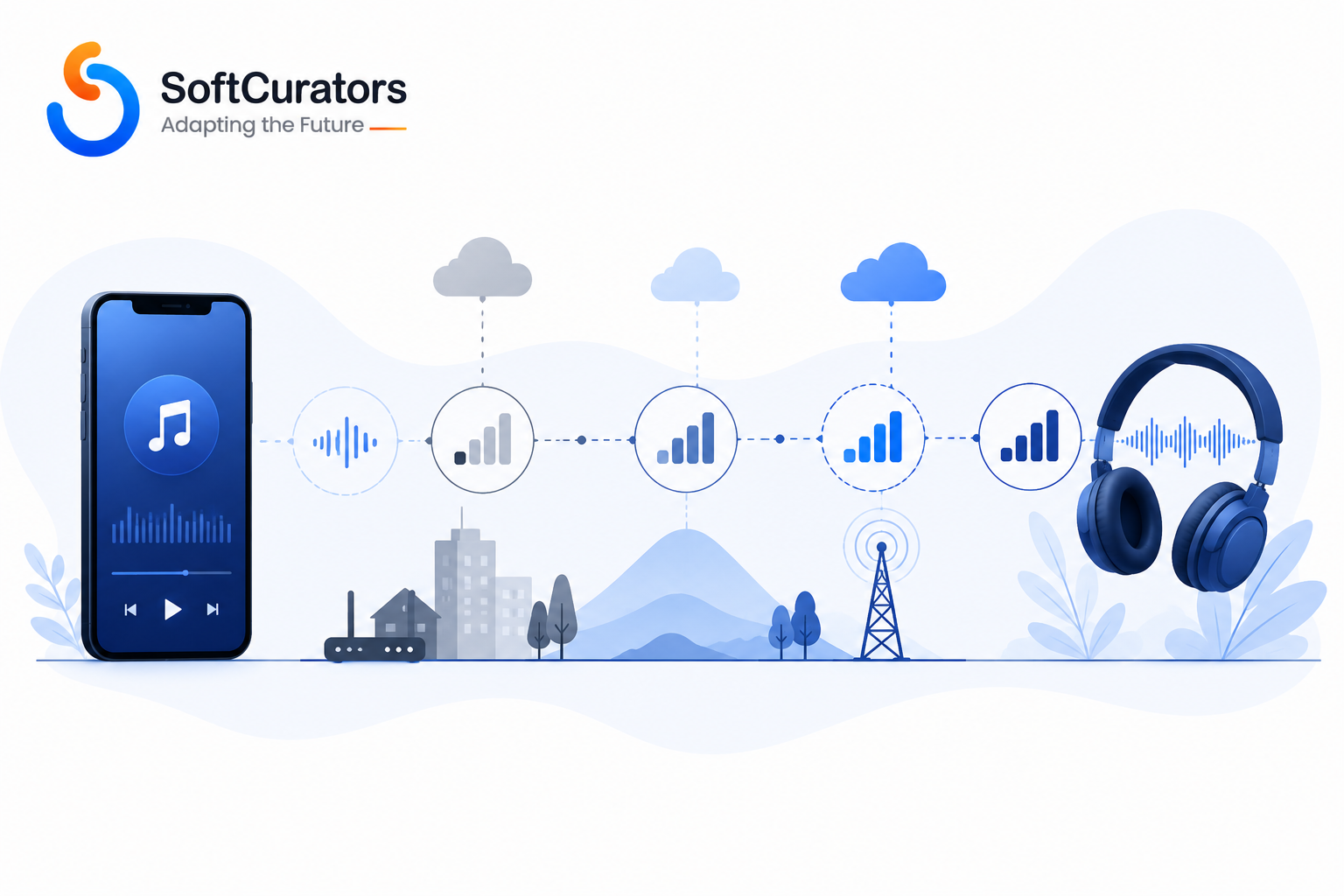
The playback engine has to handle variable network conditions without the listener noticing. In practice this means adaptive bitrate streaming, most commonly delivered through HLS (HTTP Live Streaming) on Apple platforms or MPEG-DASH for cross-platform delivery, both of which break audio into small chunks encoded at multiple bitrates so the player can switch quality on the fly as bandwidth changes.
Business perspective: a playback engine that buffers or stutters is the single fastest way to lose a free-tier user before they ever see a paywall. Technical perspective: this requires encoding your catalog into multiple bitrate renditions and serving them through a CDN with edge caching close to your listener base. Operational perspective: someone on your team needs to own encoding pipeline health — a broken transcoding job silently produces bad audio files that only surface as user complaints days later. Future perspective: if you plan to support lossless or hi-res audio tiers later (a trend several major platforms have moved toward), your encoding pipeline and storage costs need to be architected for that from day one, since retrofitting lossless support onto a lossy-only pipeline usually means re-encoding the entire catalog.
Common Mistake
Teams frequently build and test the playback engine only on strong office Wi-Fi, then discover in production that the buffering logic falls apart on real-world 4G or spotty transit Wi-Fi exactly the conditions most mobile listening happens in.
Offline Playback and Downloads
Offline downloads let a subscriber cache tracks locally for playback without an active connection. This is standard on every major paid tier, and licensing agreements typically require the downloaded files to be encrypted and to expire or re-validate periodically (commonly every 30 days) if the subscription lapses or the app hasn’t verified the user’s entitlement.
This is a feature that’s simple to describe and genuinely difficult to implement correctly, because the encryption and expiry logic has to survive airplane mode, OS-level app kills, and device storage limits without corrupting the local cache. Decision guidance: if you’re building an MVP purely to validate demand, offline mode can reasonably be deferred to a fast-follow release but budget for it explicitly, because most licensing partners will ask about your offline DRM approach before signing.
Search and Music Library Organization
Search needs to cover tracks, albums, artists, playlists, and (increasingly) lyrics or mood-based queries, with fuzzy matching for misspellings and fast enough response times that it feels instantaneous typically under 200 milliseconds for a good user experience. This is usually built on a dedicated search index (Elasticsearch or a managed alternative) rather than querying your primary database directly, because relevance ranking and typo tolerance are a different problem than transactional data storage.
Library organization favorites, ‘liked songs,’ recently played, custom folders sounds trivial but is one of the highest-retention features in the entire app, because it’s what turns a one-time listen into a returning habit.
Cross-Device Sync and Casting
Listeners expect to pause a track on their phone and resume on a laptop or smart speaker without losing their place. This requires a synced ‘now playing’ state stored server-side rather than purely on-device, plus integration with casting protocols (Google Cast, AirPlay) and increasingly with smart speaker platforms and connected car systems (Android Auto, CarPlay).
Technical note: cross-device sync is deceptively state-heavy you’re managing playback position, queue order, volume, and device handoff simultaneously, and race conditions between two devices trying to control playback at once are a common source of bugs late in QA.
Personalization, Discovery, and Social Features
Once the playback foundation works, discovery and personalization are what determine whether users stay subscribed past month one. This is also the area where competitors most often differentiate from each other, since the underlying catalog is frequently the same licensed content across platforms.
Recommendation Engine and Personalized Playlists
A recommendation engine analyzes listening behavior — skips, replays, time of day, genre affinity, and collaborative filtering signals from similar listeners to generate personalized playlists and a home screen that feels curated rather than generic. This typically starts with collaborative filtering (recommending based on what similar users liked) and, as data volume grows, layers in content-based signals (audio features like tempo and key) and increasingly transformer-based models for more nuanced taste modeling.
Business perspective: recommendation quality is measured in retention curves, not in how sophisticated the model sounds in a pitch deck. Operational perspective: a recommendation system needs an ongoing data science function, not a one-time build — model drift is real, and a model tuned on your first 10,000 users will behave differently at 500,000. Decision guidance: an early-stage product can launch with a simpler, rules-based or collaborative-filtering-only recommendation system and iterate; investing in a complex model before you have meaningful listening data to train on is a common way to burn budget on a system that has nothing useful to learn from yet.
Playlists, Sharing, and Social Features
User-created and curated playlists, the ability to follow other users or artists, collaborative playlists, and sharing to external platforms (Instagram Stories, messaging apps) all contribute to organic growth loops that reduce paid acquisition dependency. Sharing features need deep-linking support so a shared track opens directly in-app (or to a smart preview page) rather than dropping a new user onto a generic homepage.
Voice Search and Voice Assistant Integration
Voice search ‘play something upbeat for a workout’ — is increasingly expected, particularly for in-car and smart-speaker contexts. This is usually implemented through a speech-to-text layer feeding into the same search and recommendation logic used elsewhere, plus integration with platform voice assistants where relevant.
Business Insight
Discovery features are where most streaming apps differentiate, because the underlying catalog is often licensed from the same handful of sources as competitors. A founder evaluating where to invest limited early budget usually gets more competitive separation from a genuinely good recommendation experience than from adding one more social feature.
Monetization and Subscription Features
Monetization architecture has to be designed early, because retrofitting subscription tiers or changing your payment provider after launch is expensive and disruptive to existing users.
Freemium, Ad-Supported, and Subscription Tiers
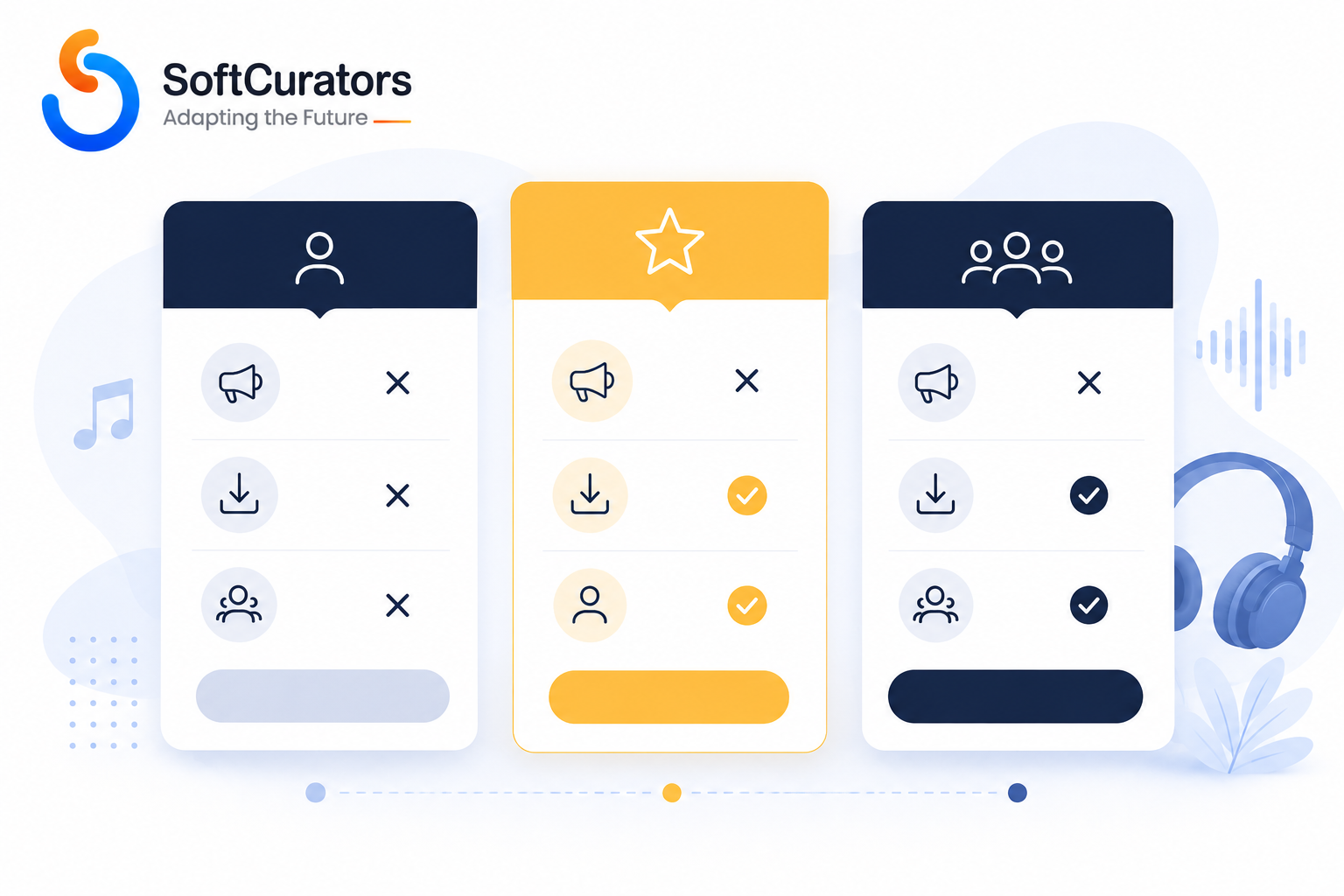
Most music streaming apps run a freemium model: a free, ad-supported tier with limited skips and lower audio quality, alongside one or more paid tiers (individual, family, student, sometimes a higher-fidelity audio tier) that remove ads and unlock offline downloads and unlimited skips. When to choose freemium: when your growth strategy depends on a large top-of-funnel audience and you can absorb the infrastructure cost of serving free users at scale. When not to: if your catalog licensing costs are calculated per-stream regardless of whether the listener is a paying subscriber, a large free tier can become a direct cost center rather than a growth lever — model this carefully with your licensing partner before committing to the tier structure.
Ad Serving and Ad-Tech Integration
The ad-supported tier needs an ad-serving integration (either a dedicated audio ad network or a programmatic ad exchange), frequency capping logic, and increasingly dynamic ad insertion that stitches ads into the stream server-side so they can’t be skipped or blocked client-side. This is a meaningfully different engineering problem from simply showing a banner ad, and it’s worth scoping separately in any project estimate.
Payment Processing and Subscription Management
This covers recurring billing, proration for plan changes, dunning management (retrying failed payments gracefully instead of immediately cancelling), regional pricing and currency support, and compliance with app store billing rules — both Apple and Google require in-app purchase for digital subscriptions sold through their apps in most cases, which affects your margin and your ability to offer promotional pricing outside the app stores. Risk alert: platform billing policies change periodically and vary by region; verify current App Store and Google Play billing requirements directly against Apple’s and Google’s developer documentation before finalizing your monetization architecture, since a design built around out-of-date rules can require a costly rework late in development.
| Monetization Model | Best Fit When | Weaker Fit When | Key Technical Requirement |
| Ad-supported free tier | Large audience growth is the priority and catalog cost is largely fixed | Per-stream licensing costs scale directly with free listeners | Dynamic ad insertion, frequency capping |
| Single-tier subscription | Simplicity matters more than segmentation; smaller catalog or niche audience | You need family/student pricing to compete | Recurring billing, dunning management |
| Multi-tier + family/student plans | Competing directly with major platforms | Team lacks resources to manage plan complexity and support load | Proration logic, multi-seat account management |
| Hi-res/lossless add-on tier | Audiophile or niche genre audience with willingness to pay more | Catalog isn’t licensed for lossless delivery | Larger storage, higher-bitrate encoding pipeline |
Backend, Infrastructure, and Rights Management Features
This is the layer that rarely appears in a feature wish list but decides whether the product can legally and technically operate at scale.
Content Delivery Network (CDN) and Streaming Infrastructure
Audio files need to be distributed through a CDN with edge locations near your listener base to keep latency and buffering low; providers like Amazon CloudFront, Cloudflare, or Akamai are common choices. Future perspective: as your user base becomes global, single-region infrastructure becomes a listening-experience bottleneck well before it becomes a cost problem — plan your CDN and storage region strategy around your expected market expansion, not just your launch market.
Digital Rights Management (DRM) and Content Licensing
DRM technology (commonly Widevine on Android, FairPlay on Apple platforms, PlayReady on Windows) encrypts streamed and downloaded audio so it can’t be extracted and redistributed outside the app. Licensing agreements with labels, publishers, and performance rights organizations will typically specify minimum DRM standards as a contractual condition, not an optional engineering nicety. Consultant’s tip: get your DRM requirements in writing from your licensing partner before development starts building against the wrong DRM standard is one of the more expensive rework scenarios in this category of app.
Royalty Tracking and Reporting
If you’re licensing catalog content, you’re contractually obligated to report accurate play counts, often broken down by track, territory, and subscription tier, on a defined schedule to rights holders or a performance rights organization. This means your data architecture needs to capture and retain granular play-event data from day one reconstructing accurate historical royalty data after the fact, once you realize you need it, generally isn’t possible.
Content Management System (CMS) for Catalog Ingestion
An internal admin tool for ingesting new tracks, managing metadata, handling takedown requests, and curating editorial playlists is required infrastructure, even though it’s invisible to end users. For platforms working with an aggregator, this often includes automated metadata ingestion pipelines rather than manual upload.
Security and Compliance Features
Security requirements here span content protection, user data protection, and payment security, and all three carry real legal and contractual weight.
- Encryption in transit and at rest for both user data and licensed audio content TLS for data in transit is table stakes; audio content additionally needs the DRM layer described above.
- GDPR and CCPA compliance for user data handling, including consent management, data export/deletion requests, and clear disclosure of what listening data is collected and why this applies the moment you have EU or California users, regardless of where your company is based.
- PCI DSS compliance for payment handling in practice, most teams offload direct card handling to a PCI-compliant payment processor (Stripe, Braintree, or platform-native billing) rather than building compliant card storage themselves, which is almost always the more defensible choice for a startup.
- Account security secure authentication, session management, and increasingly multi-factor authentication options, particularly for family or shared-account plans where credential sharing is common.
Risk Alert : Data privacy and payment compliance requirements vary by jurisdiction and change over time. This section describes general principles, not legal advice verify current requirements with legal counsel and against official regulatory guidance (such as the official GDPR text or your payment processor’s PCI DSS documentation) before launch.
For a broader look at how these obligations apply across mobile products generally, see our guide on mobile app security and compliance.
Native vs. Cross-Platform: The Foundational Technology Decision
Every feature above sits on top of one foundational choice: whether to build native apps for iOS and Android separately, or a single cross-platform codebase (React Native, Flutter) that targets both.
When native is the better fit: if audio latency, background playback stability, and deep OS-level integration (CarPlay, Android Auto, widget support, granular battery optimization for background streaming) are central to your product experience — which they typically are for a music app native development gives you the most direct control over exactly the systems that make streaming feel smooth.
When cross-platform is a reasonable fit: for an early MVP where speed to market and a single codebase for both platforms matters more than squeezing out the last bit of native audio performance, and where the team is comfortable revisiting the native question once the product has validated demand.
Cost and timeline implications: native development for two platforms generally costs more up front because you’re maintaining two codebases, but often costs less in the long run for an audio-heavy app because you avoid working around cross-platform audio-library limitations later. Cross-platform is typically faster and cheaper to reach an initial launch but carries a real risk of hitting a performance ceiling as your feature set (offline DRM, background audio, casting) grows more demanding. We go deeper on this trade-off, independent of use case, in our comparison of native apps vs. hybrid apps.
Build vs. Buy: Should You License a White-Label Platform Instead?
Before committing to a custom build, it’s worth evaluating whether a white-label streaming platform meets your needs, since several vendors offer pre-built streaming infrastructure that handles DRM, CDN delivery, and basic playback out of the box.
| Factor | Custom Build | White-Label Platform |
| Time to market | Slower — typically several months to a year depending on scope | Faster — can launch in weeks |
| Differentiation | Full control over UX, recommendation logic, and unique features | Limited — you’re working within the vendor’s feature set |
| Long-term cost | Higher upfront, but no ongoing per-user licensing fee to a platform vendor | Lower upfront, but ongoing vendor fees scale with usage |
| Data ownership | Full ownership of listening data and user relationships | Often shared with or limited by the platform vendor |
| Best fit | Platforms planning to scale, differentiate on personalization, or eventually license their own tech | Quick market validation or a narrowly scoped niche product |
Decision guidance: if your core hypothesis is about audience or content (a niche genre community, a regional market, a faith-based platform) rather than about a novel listening experience, a white-label platform can validate demand at a fraction of the cost. If your hypothesis is that you can out-personalize or out-discover existing platforms, you’ll likely outgrow a white-label vendor’s constraints quickly and should plan for custom development from the start.
Cost, Timeline, and Team Requirements
Costs for a project like this vary significantly based on catalog size, whether you’re licensing major-label content versus an aggregator catalog, platform scope (iOS, Android, web), and how much of the personalization and recommendation system is custom-built versus using existing services. Rather than quoting a specific figure here which would go stale quickly and depends heavily on scope it’s more useful to understand what drives cost up or down.
- Catalog licensing negotiation and legal work — often the longest lead time item, and frequently underestimated in project timelines.
- DRM and offline download implementation — a meaningful engineering investment, not a checkbox feature.
- Recommendation engine sophistication — ranges from a lightweight collaborative-filtering system to a dedicated data science function with ongoing model maintenance.
- Platform scope — native iOS plus native Android plus web is a larger investment than a single platform MVP.
- Admin/CMS tooling — often underscoped in early estimates, despite being required infrastructure for any team managing a real catalog.
For a general framework on how these variables translate into a project estimate, our guide on music streaming app development cost and our detailed breakdown of what it takes to build a music streaming app like Spotify both walk through cost drivers in more depth. It’s also worth reviewing current music streaming app trends before finalizing scope, since features like spatial audio and AI-generated playlists are moving from novelty to expectation faster than typical product cycles.
Common Mistakes When Scoping a Music Streaming App
- Underestimating licensing timelines. Legal negotiation with labels or aggregators frequently takes longer than the entire initial engineering build, and starting development before licensing terms are settled risks building against the wrong DRM or reporting requirements.
- Treating the recommendation engine as a post-launch nice-to-have. Waiting until you have users to think about personalization means your event-tracking and data pipeline weren’t designed to feed a recommendation system, which makes retrofitting expensive.
- Skipping royalty-reporting architecture. Teams often build a simple play-count field, not realizing that territory-, tier-, and time-based reporting requirements will require a redesign of core data models later.
- Choosing cross-platform for an audio-heavy app without validating background playback and casting behavior early. These are exactly the areas where cross-platform frameworks are most likely to need native workarounds.
- Underscoping the admin CMS. A polished consumer app with a spreadsheet-and-email backend for content management is a common, avoidable operational bottleneck.
- Assuming app store billing rules won’t affect monetization design. Discovering platform billing constraints after building a custom payment flow is a costly, avoidable rework.
Final Summary: Building Your Feature Roadmap
The clearest way to sequence a music streaming build is in three passes. First, get the non-negotiable playback and library layer right adaptive streaming, search, and cross-device sync since a shaky foundation here undermines everything built on top of it. Second, layer in monetization and rights management early enough that your data model and DRM approach are correct from the start, since both are expensive to retrofit. Third, invest in personalization and discovery as an ongoing capability, not a one-time feature, since this is where most platforms differentiate over the long run.
Throughout, keep licensing negotiations running in parallel with technical planning rather than treating them as a downstream legal formality in practice, licensing terms shape technical requirements more than almost any other early decision. Review the mobile app UI/UX design best practices guide when you get to interface design, and the mobile app testing, deployment, and maintenance guide as you approach launch, since streaming apps carry ongoing maintenance obligations (encoding pipeline health, DRM renewals, licensing renewals) that differ from a typical mobile product.
Decision Checklist – Before you finalize scope, confirm: content sourcing model is settled (label license, aggregator, or independent uploads); DRM standard is specified in writing by your rights holder or aggregator; royalty-reporting requirements are documented; native vs. cross-platform decision reflects your background-audio and casting needs; and monetization tiers account for app store billing rules.
Next Step: Talk Through Your Feature Scope
If you’re weighing which of these features belong in your first release versus a later roadmap, a structured conversation early on tends to save far more in rework than it costs in time. Softcurators offers a Product Strategy Session for teams scoping a music streaming platform a working session to map your feature list against your licensing model, budget, and timeline before any development commitment is made. You can learn more about our approach on our why choose Softcurators page, or reach out directly to schedule a session.
Frequently Asked Questions
Do I need offline downloads for an MVP?
Not necessarily. Offline mode is standard for paid tiers on mature platforms, but an early MVP focused on validating demand can often launch without it and add it in a fast-follow release, as long as licensing terms don't require it from day one.
How is a music streaming app different from a podcast or audiobook app?
Music streaming typically involves licensed catalog content with per-track royalty obligations and strict DRM requirements, while podcast platforms usually deal with creator-uploaded content and simpler rights structures, and audiobook apps add features like bookmarking and variable playback speed that music apps rarely need.
What audio streaming protocols should I use?
HLS and MPEG-DASH are the two dominant adaptive streaming protocols; HLS has strong native support on Apple platforms while DASH offers broader cross-platform flexibility, and many platforms support both to cover their full device range.
Can I build a music streaming app without licensing a major label catalog?
Yes — platforms built around independent artist uploads, royalty-free libraries, or niche genre aggregators avoid major-label negotiation entirely, though this shapes your total addressable content and requires a different rights-management approach focused on creator agreements rather than label licensing.
How long does it take to build a music streaming app?
Timeline depends heavily on licensing negotiation length and feature scope; a narrowly scoped MVP with a white-label or aggregator-based catalog can move faster than a fully custom platform with in-house recommendation systems and multi-platform native apps, so it's more useful to scope timeline against your specific feature list than a generic industry number.
Do I need a recommendation engine on day one?
A basic version — even simple collaborative filtering or curated editorial playlists — is worth having early, both because it shapes user experience from the start and because it's the reason to design your event-tracking data model correctly from day one, even if the model itself gets more sophisticated later.
What's the difference between DRM and encryption?
Encryption protects data in transit and at rest generally; DRM specifically controls how licensed content can be played, copied, and redistributed, and is usually a contractual requirement from rights holders rather than a general security best practice.
How much does music licensing typically cost compared to development?
Licensing structures (per-stream royalties, minimum guarantees, revenue share) vary widely by catalog size and negotiating leverage, and are a separate cost from development — it's worth budgeting and negotiating licensing terms in parallel with, not after, your engineering estimate.
Should I build native apps or a cross-platform app first?
For audio-heavy products, native development typically gives more reliable background playback and OS integration, but a cross-platform MVP can be a reasonable way to validate demand quickly if you're prepared to revisit the architecture as the feature set matures.
What's required to support smart speakers and car integration?
This generally requires integrating with platform-specific voice and casting APIs (Android Auto, CarPlay, Google Cast) and maintaining a synced playback state on your backend so control can hand off cleanly between devices.
How do I handle royalty reporting to rights holders?
Royalty reporting requires capturing granular play-event data (track, territory, subscription tier, timestamp) from launch, since these requirements are usually defined in your licensing agreement and can't be reconstructed retroactively if your data model doesn't capture them from the start.
Is a freemium model always the right monetization choice?
Not always — freemium works best when your licensing costs don't scale directly with free-tier listening; if your catalog agreement charges per stream regardless of subscription status, a large free tier can become a cost center rather than a growth driver.
What team roles do I need to build this?
A typical team includes mobile engineers (native or cross-platform), backend engineers for streaming infrastructure and rights management, a data engineer or scientist for recommendations, a DevOps/infrastructure specialist for CDN and scaling, and product/design roles — the exact mix depends on how much of the recommendation and infrastructure work is custom-built versus using managed services.
How do app store policies affect my monetization design?
Both Apple and Google generally require in-app purchase for digital subscriptions sold within their apps, which affects your margins and how you can offer promotional pricing; verify current requirements directly against Apple's and Google's developer documentation, since these policies are updated periodically.
What's the biggest hidden cost in music streaming app development?
Licensing negotiation timelines and royalty-reporting infrastructure are the two most commonly underestimated costs — both are easy to overlook in an initial engineering estimate because they don't map neatly onto a single feature line item.
Can I add AI-generated playlists later, or should I build that in from the start?
AI-generated or mood-based playlists rely on the same listening-event data your recommendation engine needs, so while the feature itself can reasonably launch later, the underlying data collection should be designed in from day one to avoid a costly retrofit.
How do I decide between building custom infrastructure and using a white-label streaming platform?
If your core differentiation is audience or content niche rather than the listening experience itself, a white-label platform can validate demand faster and cheaper; if you expect to compete on personalization or discovery, custom infrastructure gives you the control needed to differentiate long-term.
