Web Development Company

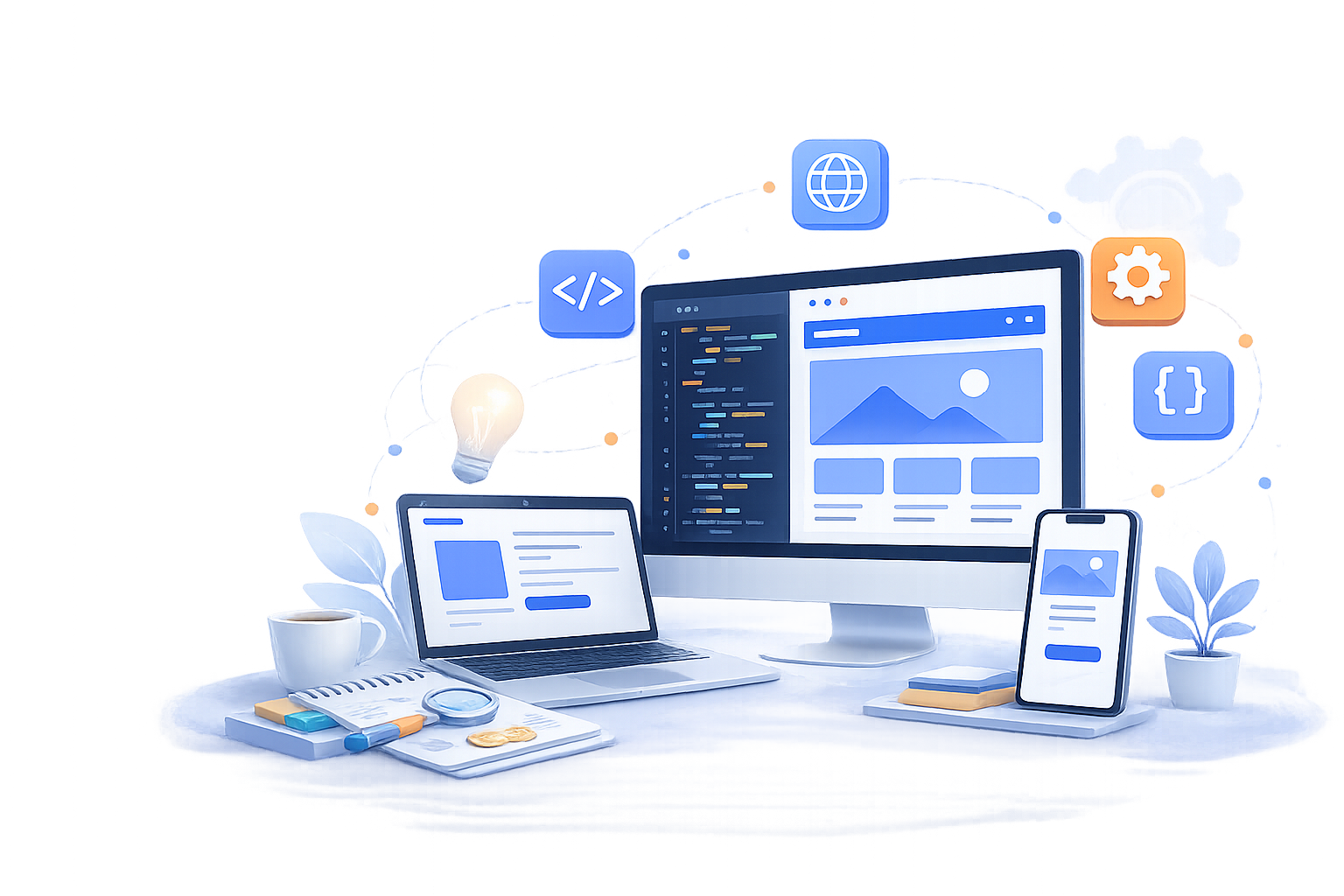
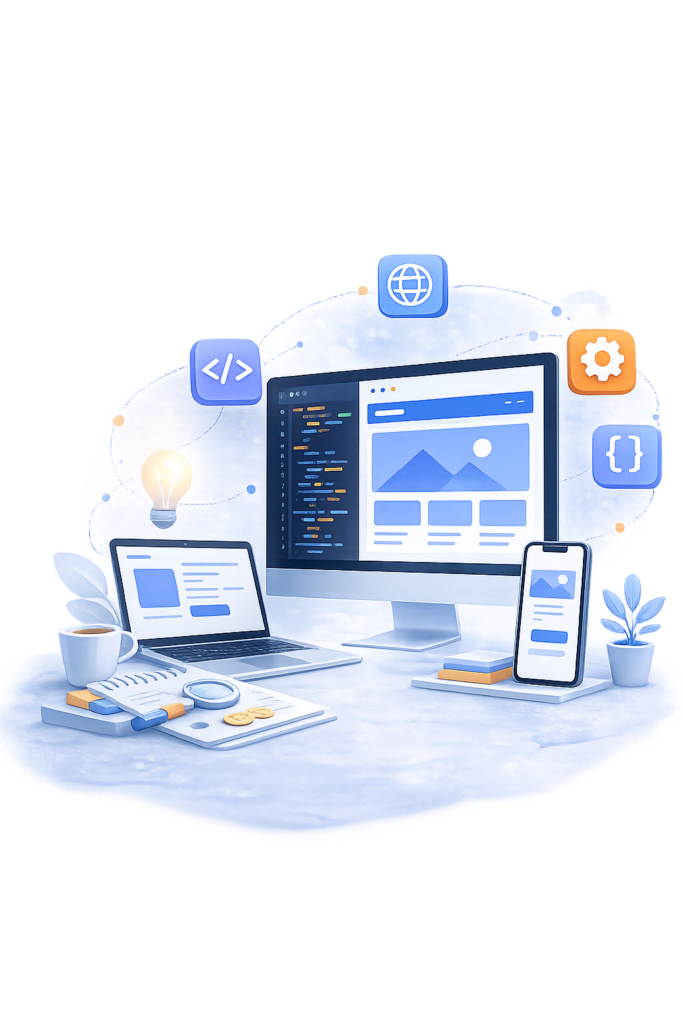
Web development is the process of building the frontend, backend, and infrastructure that make a website or web application actually work, everything from how a page renders in a browser to how it stores data, handles user accounts, and processes transactions. What separates good web development from a template-driven website is whether the site was built around your actual business requirements, content structure, data model, integrations, growth plan or whether a generic theme was configured and called finished. A template can look identical to a custom build on day one and still fail you within a year once you need a feature the theme’s plugin ecosystem doesn’t support. If you’re deciding between a website and a mobile app for your project, our mobile app development hub covers that comparison directly. SoftCurators scopes the underlying data model and content structure before any design work starts, which is the step a template-first build skips entirely.

Request a Free Quote

    Satisfaction
    70 %
    Happy Clients
    50 +
    Years Experienced Team
    5 +
    Team Members
    40 +

    Our Web Development Services |

    image

    Custom Website Development

    Through Our Custom Web Development, we built websites designed from the scratch to reflect your unique brand, align with your business objectives and deliver an unique user experience that engages your audience and drives results across all devices and platforms.

    image

    Front-End Development

    Building the interface users actually interact with, using modern component-based frameworks so the UI stays maintainable as the site grows rather than becoming a tangle of one-off page templates.
    image

    Back-End Development

    Building the server-side logic, APIs, and data layer that power everything the frontend displays, sized to the site’s real data model rather than a generic starter template.

    image

    Responsive Web Design

    Layouts built to work correctly across phone, tablet, and desktop viewports from the same codebase, tested against real breakpoints rather than assumed to “just work.”
    image

    CMS Development

    Building or configuring a content management system so non-technical staff can publish and update content without needing a developer for routine changes.

    image

    Web Application Development

    Building browser-based software with real user accounts, data persistence, and business logic, the category that separates a website from a functioning digital product, including AI-powered features where the product calls for them.
    image

    API & Third-Party Integration

    Connecting a site or app to payment processors, CRMs, analytics platforms, and other external systems without creating fragile, hard-to-maintain glue code.

    image

    Web Maintenance & Support

    Web Maintenance & Support Services ensure your website remains secure, up-to-date, and performing the best. We handle regular updates, bug fixes, security monitoring, backups and performance optimization, so you can focus on growing your business without worrying about technical issues.

    image

    Website migration and redesign

    Moving an existing site to a new platform or design while preserving SEO value, with a defined content migration plan rather than a rebuild that quietly drops years of indexed pages. For the ongoing SEO and content strategy work beyond the technical migration itself, that sits with our digital marketing services team.

    image

    Custom software integration

    Connecting a web project into broader custom software teamalready in place at an organization, when the website is one piece of a larger system rather than a standalone project.


    Our Clients

    Website vs. Web Application vs. CMS Platform: Which Do You Need?

    The right choice depends on whether your site primarily presents information, lets users take action and store data, or needs non-technical staff publishing content regularly, these are three different engineering problems, not three tiers of the same thing. Here’s how the main options compare:

    Type
    Purpose
    Typical Cost/Timeline
    Best Fit
    Marketing/business website
    Presents information, builds credibility, generates leads through forms or contact requests
    Lowest cost, fastest timeline among the four
    Businesses needing an online presence without user accounts or complex logic
    Web application
    Lets users log in, store data, and perform actions (a dashboard, a booking tool, a SaaS product)
    Higher cost and longer timeline, scaling with feature complexity
    Businesses whose core product or service is delivered through the browser itself
    CMS-driven site
    Content-managed site where non-technical staff regularly publish or update pages
    Moderate cost, moderate timeline, with ongoing plugin/theme maintenance
    Organizations publishing content frequently — blogs, news sites, multi-location businesses
    eCommerce platform
    Sells products or services directly online, with cart, checkout, and inventory logic
    Higher cost and longer timeline, scaling with catalog size and integration count
    Businesses selling physical or digital products directly to consumers

    Choose based on what the site actually needs to do, not what looks impressive. A business that only needs to be found and contacted doesn’t need web-application-level engineering, and a SaaS product with real user accounts and data logic will outgrow a CMS theme within months of launch regardless of how it’s configured.

    Our Web Development Process

    image

    Requirements and information architecture.

    We map out what the site actually needs to do, who it’s for, and how content and data should be structured before any visual design starts, since restructuring information architecture after design is locked is expensive.
    image

    Wireframing & UI/UX Design

    Interface design is built against the confirmed information architecture and content model, with attention to how design decisions affect page weight and load performance, not just visual appeal.
    image

    Frontend and backend development in parallel.

    Once architecture is locked, frontend and backend work proceed together against shared API contracts, so neither side is blocked waiting on the other to finish first.
    image

    Cross-browser & device testing. Performance & Core Web Vitals validation

    We test across real browsers and device sizes, not just the browser the design was reviewed in, since rendering and interaction behavior can genuinely differ across environments. Before launch, we measure Largest Contentful Paint, Interaction to Next Paint, and Cumulative Layout Shift against real-device conditions, not just a lab test on fast office Wi-Fi.

    image

    Deployment & Post-launch monitoring.

    The site or application is deployed to production infrastructure with SSL, DNS, and hosting configuration confirmed and tested before the public launch moment, not scrambled together at go-live. Once live, we track uptime, Core Web Vitals field data, and error logs, since real user behavior surfaces issues that pre-launch testing in a controlled environment doesn’t catch.

    One architecture decision worth naming explicitly, since it doesn’t fit neatly into a single process step: whether content management should be traditional (CMS and frontend tightly coupled, like standard WordPress) or headless (content management decoupled from a custom-built frontend via API). Traditional CMS setups are faster and less expensive to launch and suit most content-driven sites well. Headless architecture costs more upfront but gives more control over frontend performance and lets the same content power multiple frontends, a website and a mobile app, for instance from one content source, which matters specifically for organizations planning to expand beyond a single web presence.

    Website Speed and Core Web Vitals: Why Performance Is Part of the Build

    Core Web Vitals are Google’s three field metrics for real-world page experience. Largest Contentful Paint (LCP) for loading speed, Interaction to Next Paint (INP) for responsiveness, and Cumulative Layout Shift (CLS) for visual stability and they directly affect both user experience and search ranking. To pass, a page needs LCP under 2.5 seconds, INP under 200 milliseconds, and CLS under 0.1, each measured at the 75th percentile of real visitors over a rolling data window, not just a single lab test on a fast connection. INP replaced the older First Input Delay metric in March 2024, so any performance strategy still built around FID is working from an outdated model.

    These aren’t abstract scores they translate into real, buildable engineering practices:

    • Image optimization – serving correctly-sized, modern-format images with explicit width and height attributes, which directly improves LCP and prevents the layout shift that hurts CLS.
    • Code splitting – loading only the JavaScript a given page actually needs rather than shipping the entire application bundle upfront, which reduces the main-thread work that drives up INP.
    • Caching strategy – using browser and CDN caching so repeat visits and static assets don’t re-fetch unnecessarily, improving load speed without added infrastructure cost.
    • Hosting and CDN choices – serving content from infrastructure geographically close to real users, since network latency is often a bigger LCP factor than application code itself.
    • Font loading strategy – preloading critical fonts with a font-display strategy that avoids invisible text or layout jumps while custom fonts load.

    A design that looks polished in a mockup can still fail Core Web Vitals in production if these engineering decisions aren’t made deliberately during the build, which is why performance validation is a build-phase step above, not a post-launch afterthought. Performance and accessibility overlap more than most teams expect. Semantic HTML, proper heading hierarchy, and alt text on images improve both screen-reader compatibility and how easily search engines and AI systems parse a page’s content structure, the same markup discipline that helps a visually impaired visitor navigate a page also helps Google’s crawler and an AI answer engine understand what that page is actually about. Treating accessibility as a compliance checkbox handled separately from performance and SEO work usually means redoing structural markup twice instead of getting it right once.

    Tech Stack for Web Development Projects

    React, Next.js, or Vue

    Node.js, Laravel, Django, or Express

    MERN (MongoDB, Express, React, Node) or MEVN (MongoDB, Express, Vue, Node)

    WordPress, Shopify, WooCommerce, Magento, or a headless CMS (Contentful, Sanity)

    PostgreSQL, MySQL, or MongoDB


     AWS, Vercel, or Netlify, with Git-based CI/CD pipelines

    Cost and Timeline Planning

    Web development cost and timeline scale primarily with functional complexity, not visual complexity a highly custom-looking marketing site can cost less than a plain-looking web application with real user accounts and business logic underneath. A simple marketing website sits at the lower end of typical ranges; a CMS-driven site with custom content types and moderate design work costs more; a custom web application with user accounts, data logic, and integrations costs meaningfully more again; and a full eCommerce platform with catalog management, payment processing, and inventory integration sits at the higher end, scaling further with catalog size and the number of third-party systems it connects to.

    The cost factors that move a project’s actual price the most:

    Contact Us

    Ready to Build Your Website or Web Application?

    Talk to SoftCurators about your content structure, data needs, and performance targets before design starts see examples of our work or get in touch to start scoping your web project.

    Industries We Build Websites For

    Why Choose Softcurators for Web Development

    Information architecture scoped before design starts

    Content structure and data modeling happen first, which avoids the expensive rework that comes from designing before requirements are actually locked.

    Framework choices matched to the project, not a default stack

    React, Next.js, Vue, or a CMS platform get selected based on the site’s actual content and interaction needs.

    Backend architecture sized to real data needs

    We scope database and API design against the site’s actual data model, avoiding both over-engineering a simple site and under-building a data-heavy application.

    Core Web Vitals treated as a build-phase requirement, not a post-launch fix

    Performance validation against LCP, INP, and CLS targets happens before launch, not after a client asks why rankings dropped.

    Migration projects planned around SEO preservation

    Redesigns and platform migrations include a content and URL migration plan specifically to protect existing search rankings, not just a visual refresh.

    Ongoing maintenance scoped from the start

    Maintenance and support is planned during initial project scoping, not offered only after a client’s site breaks.

    Common Mistakes We See in Web Development Projects

    Mistake
    Why It Hurts
    What To Do Instead
    Choosing a heavy CMS for a site that needed a simple static build
    Unnecessary plugin overhead, security surface, and maintenance burden for a site that never needed dynamic content management
    Match platform complexity to actual content-management needs, not a default “just use WordPress” instinct
    Ignoring Core Web Vitals until after launch
    Retrofitting performance fixes into a finished site is more expensive than building with performance targets in mind from the start, and rankings can drop in the meantime
    Validate LCP, INP, and CLS against real targets during development, not as a post-launch discovery
    Skipping a content migration plan on a redesign
    A redesign that drops or restructures URLs without redirects loses years of accumulated search ranking overnight
    Plan URL structure and redirect mapping as part of the redesign scope, before the old site goes offline
    Over-relying on page builders and plugins for core functionality
    Stacking plugins to simulate custom features often costs more in long-term maintenance and performance than building the feature directly
    Evaluate whether a plugin-based workaround or direct development is actually cheaper over the site’s full lifespan, not just at launch
    Treating mobile responsiveness as an afterthought
    A site designed desktop-first and adapted for mobile later often produces a worse mobile experience than one designed with both from the start
    Design and test against mobile breakpoints from the beginning of the process, not as a final adjustment pass

    Deployment, Maintenance and Performance

    Web maintenance involves several distinct, ongoing tasks, not a single generic “bug fixes and updates” bucket. CMS, plugin, and framework updates need regular attention, since outdated software is one of the most common vectors for a compromised website. SSL certificate renewal has to happen before expiration or the site shows security warnings that immediately damage visitor trust. Uptime monitoring should alert the team the moment a site goes down, not rely on a customer complaint to surface an outage. Core Web Vitals monitoring should continue after launch, since rankings and real user experience can degrade gradually as new content, scripts, or third-party embeds get added over time without anyone re-checking performance impact. Backup strategy means automated, tested backups with a documented restore process, not just a backup file sitting untested until the day it’s actually needed.

    Lets Connect

    Launch Your Website with Confidence

      Frequently Asked Questions

      Cost depends primarily on functional complexity, a marketing site with standard pages costs meaningfully less than a CMS-driven site with custom content types, which costs less than a web application with user accounts and business logic. The number of integrations and whether the design is custom or template-based are the two factors that move price the most within any given category.

      Timeline follows the same complexity pattern as cost: a marketing site can launch fastest, a CMS-driven site takes longer due to content modeling and migration work, and a custom web application or eCommerce platform takes longest due to backend logic, integrations, and more extensive testing.

      A website builder or template can work well for a simple site with standard pages and no complex functionality. Once a project needs custom data structures, specific integrations, or performance beyond what a builder’s plugin ecosystem supports, custom development avoids the ceiling that templates eventually hit.

      A website primarily presents information to visitors, while a web application lets users log in, store data, and perform actions - a booking system, a dashboard, or a SaaS product are web applications, not just websites with extra pages. The distinction matters because web applications need real backend architecture, not just page templates.

      Core Web Vitals are an official Google ranking signal measuring loading speed (LCP), responsiveness (INP), and visual stability (CLS) using real visitor data. A page needs to pass all three at the 75th percentile of real users to get the full ranking benefit, and pages that fail can see reduced visibility even with strong content.

      Yes, this requires a defined URL mapping and redirect plan created before the old site goes offline, so search engines can transfer accumulated ranking signals to the new URLs. Skipping this step on a redesign is one of the most common, avoidable causes of a post-migration traffic drop.

       WordPress fits content-heavy sites where non-technical staff need to publish regularly and standard plugin functionality covers the site’s needs. A custom build fits projects needing specific data structures, deeper performance control, or functionality that would otherwise require stacking many plugins together.

       Ongoing maintenance covers CMS and plugin updates, SSL certificate renewal, uptime monitoring, Core Web Vitals tracking, and tested backup management — distinct, recurring tasks rather than a single generic support bucket. Falling behind on any one of these creates compounding risk, particularly security patching and SSL renewal.

       Yes, eCommerce projects commonly integrate with existing inventory, fulfillment, or ERP systems through API connections, which needs to be scoped during the initial architecture phase rather than added after the storefront is already built. The complexity of that integration is usually the biggest cost driver on an eCommerce project beyond the storefront itself.

       Design and development are typically scoped together so interface decisions account for real technical and performance constraints from the start, though the deep visual design process itself is covered on our dedicated UI/UX design page. Design and development handed off separately, without shared context, is a common source of avoidable rework.

       Performance is validated during development against specific Core Web Vitals targets  LCP under 2.5 seconds, INP under 200 milliseconds, CLS under 0.1  using image optimization, code splitting, and caching strategy built into the site from the start, not tested for the first time right before launch.

      Our Latest Blogs