

Mobile apps have changed the way businesses operates and choosing the right app development approach is most important today. With rising customer expectations for speed, smooth animations, clean UI and secure transactions, companies must build apps that not only function well but deliver a wonderful and seamless experience.
This brings us to one of the oldest debates in mobile app development:
Native Apps vs Hybrid Apps – which one is better ?
Both approaches have been progressing considerably. Native apps have become more powerful with access to advanced device features while hybrid frameworks like Flutter, React Native and Ionic have closed the performance gap significantly.
So the real question today is not “which is better overall?”
Instead, it is:
“Which is better for your business needs?”
This blog breaks down the differences, pros, cons, costs and decision factors so by the end, you’ll have a crystal-clear understanding of what to choose.
What Are Native Apps?
Native apps are applications built specifically for one platform, either:
- Android ( using Kotlin/Java )
- iOS ( using Swift/Objective-C )
Because they are built precisely for a single operating system, they gain access to all native features, APIs, sensors and hardware capabilities.
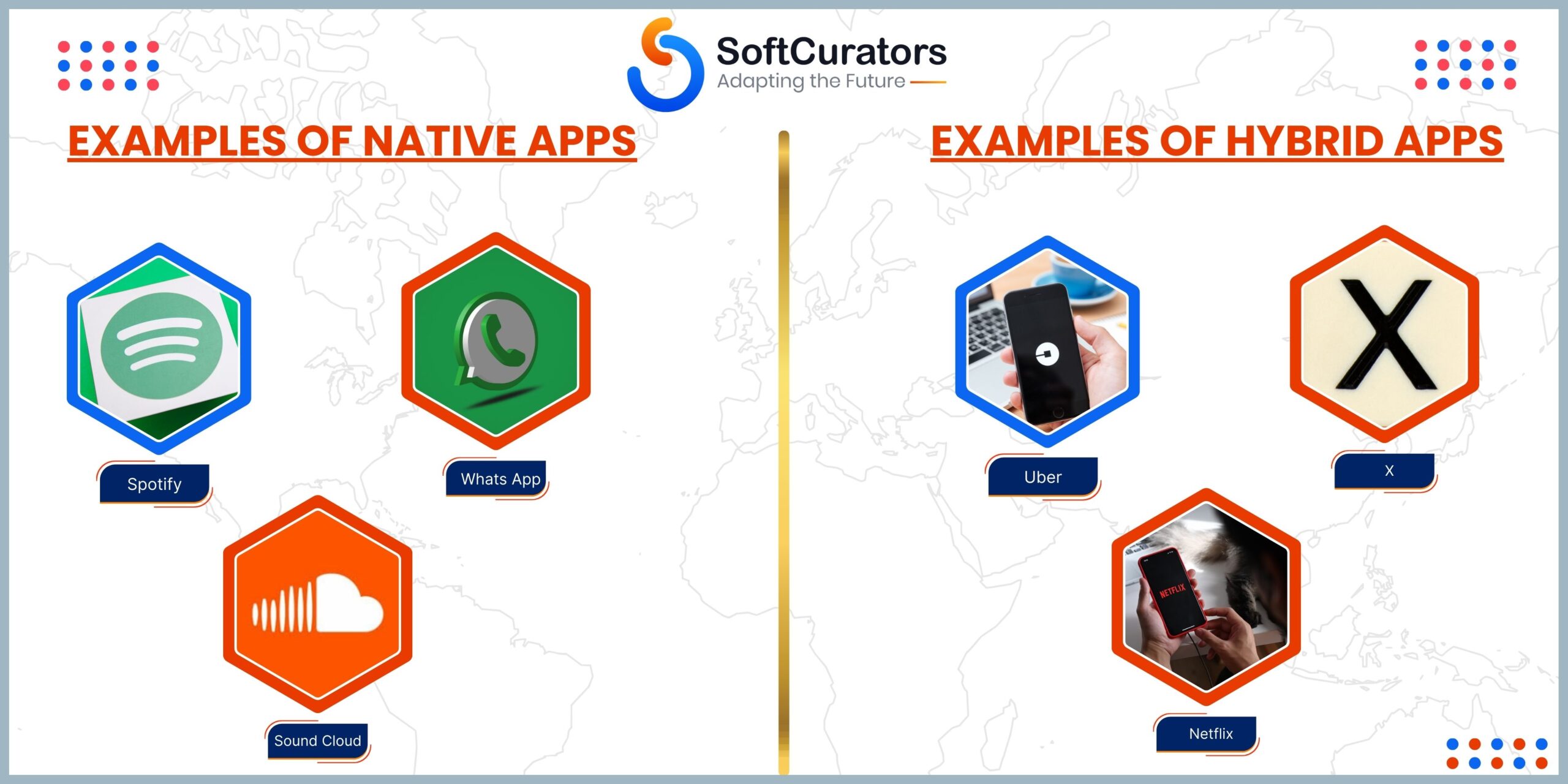
Examples of Native Apps
YouTube, Instagram, WhatsApp, Uber, Spotify all rely heavily on native performance.
How Native Apps Are Built
- iOS – Xcode + Swift
- Android – Android Studio + Kotlin
Native development focuses on delivering maximum performance, top-tier security, and platform perfect UI/UX.
What Are Hybrid Apps?
Hybrid apps are mobile applications developed using web technologies like HTML, CSS and JavaScript which are wrapped inside a native container. They run on multiple platforms using a single codebase.
Popular Hybrid Apps Frameworks
- Flutter
- React Native
- Ionic
- Xamarin
Hybrid apps are popular because they allow faster development, lower cost and easier maintenance, still providing near-native performance.
Example of Hybrid Apps
Netflix, Twitter, Pinterest (partial), Amazon Shopping, Alibaba many major brands use hybrid frameworks.’
Key Differences Between Native & Hybrid Apps
| Feature | Native Apps | Hybrid Apps |
| Codebase | Separate for iOS & Android | One codebase for both |
| Performance | Best | Moderate to Hig |
| Development Cost | Higher | Lower |
| Time to Market | Longer | Faster |
| UI Consistency | Perfect | Varies |
| Access to Hardware | Full | Limited or plugin-based |
| Maintenance | Expensive | Easy |
| Offline Support | Strong | Moderate |
Native Apps: Advantages & Disadvantages
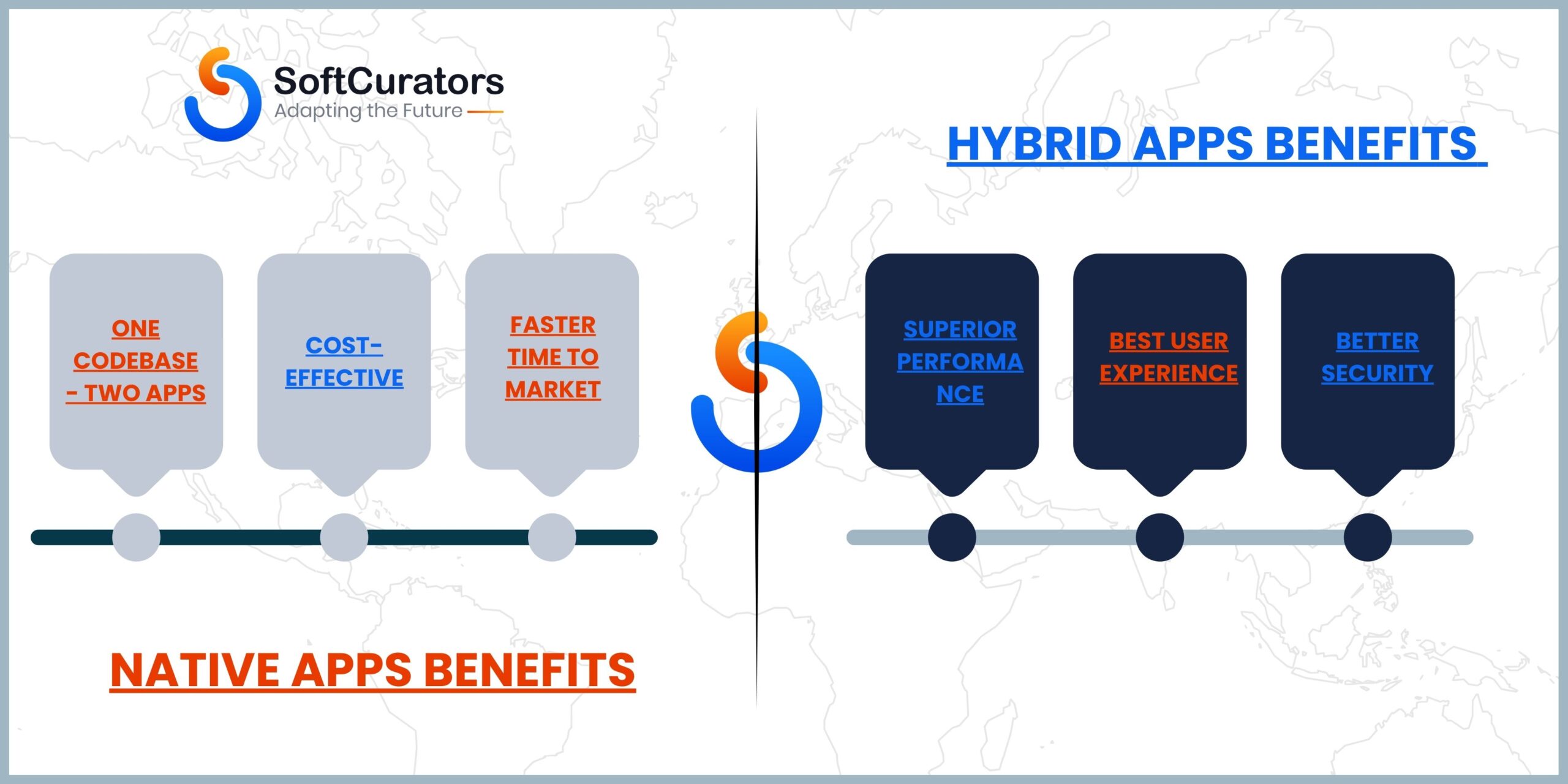
Advantages of Native Apps
-
Superior Performance
Native apps are built for a specific OS, so they run smoother, load faster and deliver high responsiveness which is ideal for gaming, streaming, fintech and high traffic apps.
-
Best Class User Experience
Native apps follow platform specific UI guidelines (Material Design for Android, Human Interface Guidelines for iOS). This results in refined, spontaneous and familiar interfaces.
-
Better Security
Native apps can implement advanced security protocols such as
- Keychain (iOS)
- EncryptedSharedPreferences (Android)
- Biometrics
- SSL pinning
Perfect for fintech, health, or enterprise apps.
-
Full Access to Device Features
Camera, GPS, sensors, Bluetooth, NFC, ARKit – native apps access everything without plugins.
Disadvantages of Native Apps
- Higher development cost
- Separate teams needed for iOS & Android
- Longer time to market
- Higher maintenance cost

Hybrid Apps: Advantages & Disadvantages
Advantages of Hybrid Apps
-
One Codebase → Two Apps
Hybrid development speeds up delivery because you build the app once and deploy it on both iOS & Android.
-
Cost-Effective
Hybrid apps save up to 50–60% of development costs, making them ideal for startups.
-
Faster Time to Market
Perfect when you want user feedback early or release an MVP quickly.
-
Easy Updates
Push updates easily across platforms without rebuilding two separate apps.
-
Growing Framework Ecosystem
Flutter & React Native have significantly reduced performance gaps with native apps.
Disadvantages of Hybrid Apps
- Slight performance lag for animation-heavy apps
- Limited access to complex hardware APIs
- UI inconsistencies on older devices
- Depends heavily on third-party plugins
Native vs Hybrid: Feature-by-Feature Comparison
-
Performance
Native apps lead because they are compiled directly into machine code.
Hybrid apps depends on bridges (RN) or rendering engines (Flutter), which may introduce small delays.
Winner: Native Apps
-
User Experience
Native apps follow platform rules exactly, leading to a fluid, intuitive UX.
Hybrid apps can look great but may require extra effort to match native smoothness.
Winner: Native Apps
-
Speed of Development
Hybrid apps are built once and run everywhere far faster to develop.
Winner: Hybrid Apps
-
Cost
Hybrid apps cost significantly less as they use one development team.
Winner: Hybrid Apps
-
Scalability
Both can scale, but native architecture handles high-performance scaling better.
Winner: Native Apps
-
Device Compatibility
Native apps access all device features instantly, hybrid apps rely on plugins.
Winner: Native Apps
-
Security
Native apps allow deeper security implementation.
Winner: Native Apps
-
Offline Capability
Native apps store large amounts of offline data easily.
Hybrid apps may need extra layers for offline caching.
Winner: Native Apps
Native Apps vs Hybrid Apps: Cost Comparison
-
Native App Development Cost
Ranges from $20,000 – $100,000+ per platform (iOS & Android separate).
-
Hybrid App Development Cost
Ranges from $15,000 – $80,000 for both platforms combined.
Hybrid wins for cost efficiency, especially for MVPs or early-stage startups.
When Should You Choose Native Apps?
Choose native when:
- Performance is critical
- You’re building a high-traffic app
- You need access to advanced hardware
- Security must be enterprise-grade
- You are building gaming, AR/VR, video streaming, or fintech apps
Native apps are ideal when quality is more important than cost.
When Should You Choose Hybrid Apps?
Choose hybrid when:
- You want to launch fast
- You have budget limitations
- You’re building an MVP
- Your app is medium complexity
- You want one team to manage both platforms
Hybrid apps are ideal for startups, small businesses, and fast-moving product teams.
SoftCurators’ Recommendation

At SoftCurators, we evaluate your project based on:
- App complexity
- Budget
- Timeline
- Target users
- Performance needs
- Future scalability
Our general suggestion:
- Choose Native for:
Fintech, large-scale apps, enterprise apps, social networks, streaming, gaming - Choose Hybrid for:
MVPs, eCommerce apps, community apps, educational platforms, service booking apps
SoftCurators specializes in both development types and helps clients decide the right approach, not just the popular one.

Conclusion
Choosing between Native and Hybrid apps depends entirely on your project goals. Native apps deliver unmatched performance and user experience, while hybrid apps help you save time, money, and development effort.
Both approaches have matured significantly, and both can deliver successful products if built by the right team.
At SoftCurators, we help businesses choose technology that aligns with scalability, budget, user expectations, and long-term product vision.
Whether you want a high-performance native app or a cost-efficient hybrid solution—SoftCurators has the expertise to build apps that stand out in the market
Native Apps vs. Hybrid Apps: How to Make Your Decision
After going through all the advantages and disadvantages of both native and hybrid applications, you might have an idea of the key differences between them. One is more performance-oriented, while the other is more focused on reducing cost and time to market.
Here is a clear comparison table between the two, which will help you identify the differences more clearly.
| Native Apps Vs. Hybrid Apps | ||
| Differentiating Factors | Native Apps | Hybrid Apps |
| Development | Requires platform-specific tools and programming technologies. | Uses a combination of native and web technologies to offer flexibility. |
| Performance | Highly performance-oriented with ease of optimization according to device & OS. | Decent performance, might vary from OS to OS, and can show higher battery consumption. |
| Functioning | Works seamlessly with internal hardware and offers smooth and robust functioning. | Offers significant performance but might come across lags and inconsistencies. |
| Compatibility | Highly compatible, but only with the dedicated operating system on which it is built. | Has cross-platform compatibility, allowing a single codebase to run easily on multiple operating systems. |
| Cost of Development | Since Native apps are built individually for each OS, it costs on the higher side of the spectrum. | Hybrid apps can save you significant costs by allowing you to develop a single codebase that can be implemented on any OS. |
| Security | Native apps have stronger security features as they can utilize native device features better. These require a dedicated device to be accessed. | Hybrid apps, on the other hand, offer decent security but lack in different aspects. For instance, the app is not limited to the device it is being used on, as it can be accessed via a browser too. |
| Maintenance Requirements | Individual platforms require dedicated maintenance and updates, which increases the maintenance cost and requirements. | A single pool of resources is enough to maintain your hybrid app as the core codebase is singular. This means fewer resources and fewer complications. |
FAQs
- Which is better—native or hybrid apps?
Native apps are better for performance; hybrid apps are better for cost and development speed.
- Are hybrid apps slower than native apps?
Hybrid apps can be slightly slower during animations or heavy graphics but generally perform well.
- Which is cheaper to build?
Hybrid apps because they use one codebase for both platforms.
- Do native apps offer better security?
Yes, native apps allow deeper integration with hardware security layers.
- Can hybrid apps scale well?
Yes, but for high-performance apps, native is more suitable.
- Is Flutter hybrid or native?
Flutter is a hybrid/cross-platform framework but offers near-native performance.
- Should startups choose native or hybrid?
Startups usually choose hybrid to save cost and launch faster.
Native Apps vs. Hybrid Apps: How to Make Your Decision
After going through all the advantages and disadvantages of both native and hybrid applications, you might have an idea of the key differences between them. One is more performance-oriented, while the other is more focused on reducing cost and time to market.
Here is a clear comparison table between the two, which will help you identify the differences more clearly.
| Native Apps Vs. Hybrid Apps | ||
| Differentiating Factors | Native Apps | Hybrid Apps |
| Development | Requires platform-specific tools and programming technologies. | Uses a combination of native and web technologies to offer flexibility. |
| Performance | Highly performance-oriented with ease of optimization according to device & OS. | Decent performance, might vary from OS to OS, and can show higher battery consumption. |
| Functioning | Works seamlessly with internal hardware and offers smooth and robust functioning. | Offers significant performance but might come across lags and inconsistencies. |
| Compatibility | Highly compatible, but only with the dedicated operating system on which it is built. | Has cross-platform compatibility, allowing a single codebase to run easily on multiple operating systems. |
| Cost of Development | Since Native apps are built individually for each OS, it costs on the higher side of the spectrum. | Hybrid apps can save you significant costs by allowing you to develop a single codebase that can be implemented on any OS. |
| Security | Native apps have stronger security features as they can utilize native device features better. These require a dedicated device to be accessed. | Hybrid apps, on the other hand, offer decent security but lack in different aspects. For instance, the app is not limited to the device it is being used on, as it can be accessed via a browser too. |
| Maintenance Requirements | Individual platforms require dedicated maintenance and updates, which increases the maintenance cost and requirements. | A single pool of resources is enough to maintain your hybrid app as the core codebase is singular. This means fewer resources and fewer complications. |
